Technology news and discussion on TalkFuse.
Android phones can run two apps side by side without a foldable
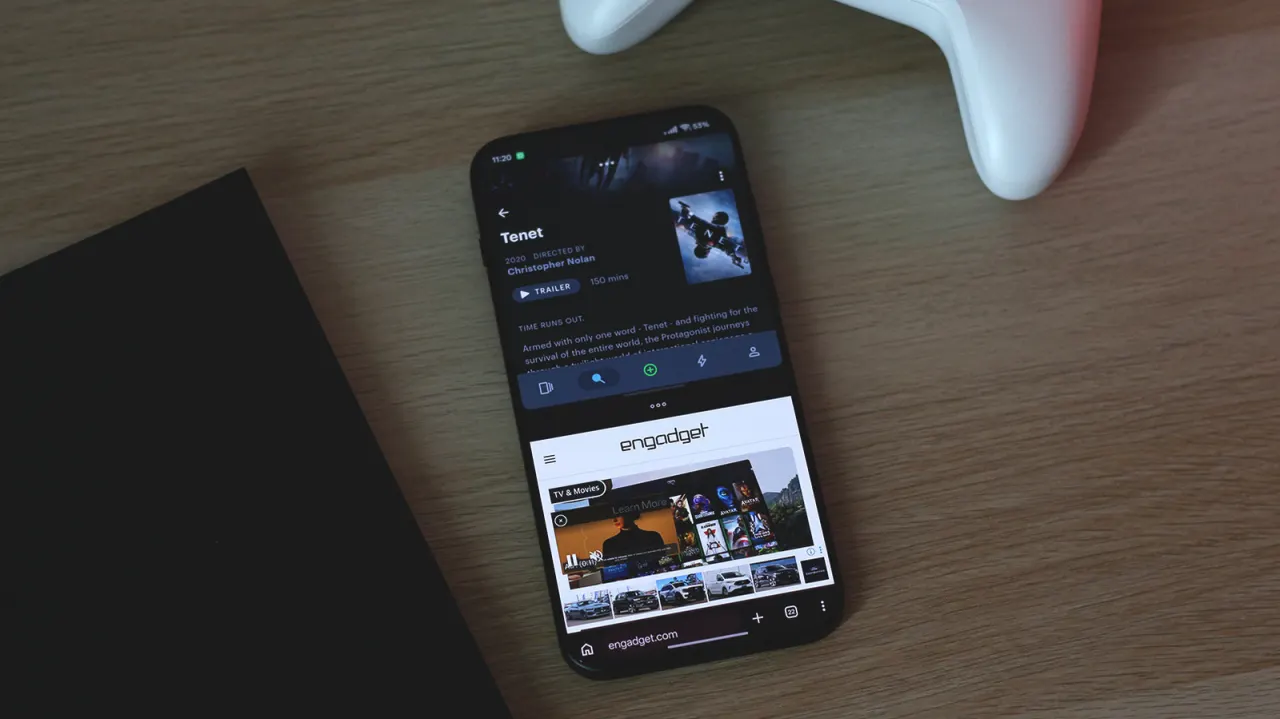
Android users can run two apps side by side on standard phones, so split-screen multitasking does not require buying an expensive foldable. The feature has been part of Android since version 7.0 Nougat, released in 2016, and can help people use apps together on one device.
On most phones, open the recent apps switcher, tap an app’s icon, choose Split Screen, then select a second app; drag the divider to change how much space each gets. Standard phones generally support two apps in split screen, while some also offer floating windows, and larger foldables can display three or more apps. Some apps may not support these modes, though updating them or enabling a developer setting to force activities to be resizable may help.
In short
- Split screen works on standard Android phones.
- The feature has been available since Android 7.0.
- Floating windows offer another way to multitask.
Explained simply
Android is the operating system used by phones from manufacturers including Samsung and Google. It has supported split-screen use since version 7.0, known as Nougat, which came out in 2016.
Split screen lets two apps share the display, so someone might read a message while looking at a map. Most standard phones show two apps this way; some also allow apps to appear in floating windows, while larger foldable phones can fit more.
The feature depends on both the phone’s software and the apps being used. Some apps do not support resizing, so they may not work properly in split screen.
Read the full article at the source →
Originally published by Engadget as “You don’t need a foldable phone to use split screen on Android”.