Technology news and discussion on TalkFuse.
12Members
8Posts
1Active now
13,247Stories
Linked post in TechnologyView community
Your desktop’s front USB ports may be slowing down every device you plug into them
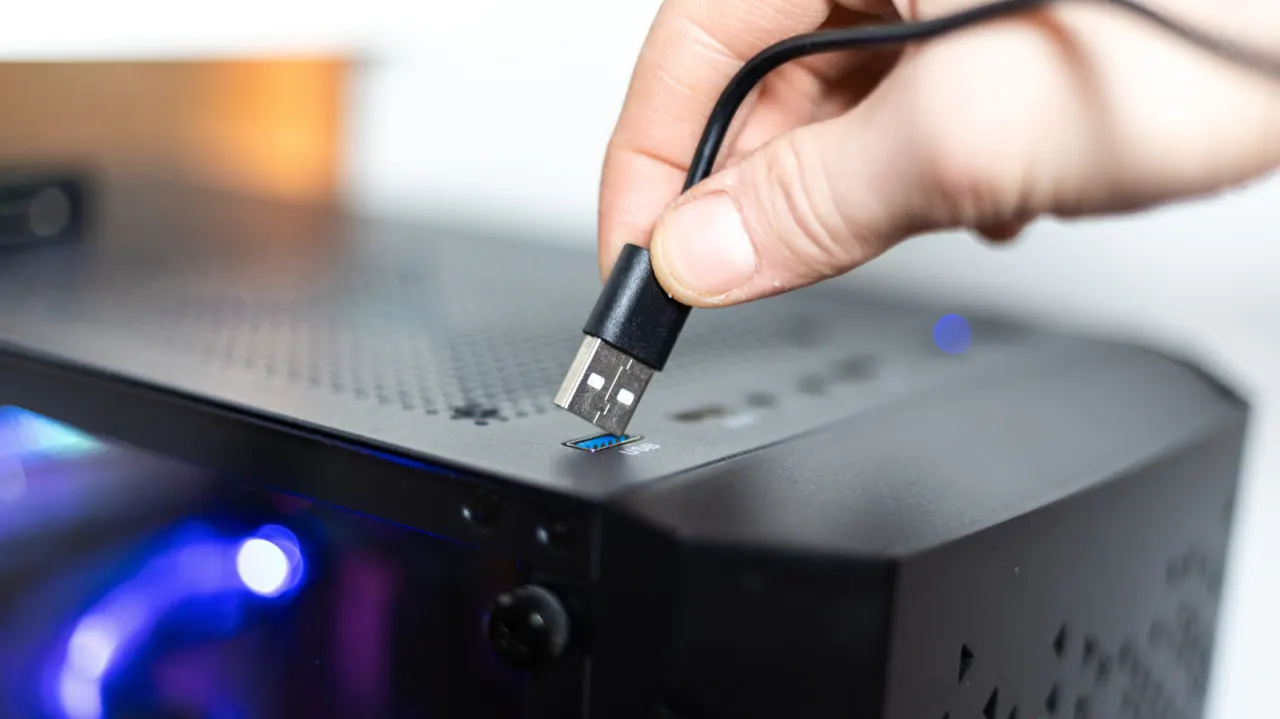
Front USB ports can be slower and provide less power than rear ports because they connect to the motherboard through cables, and several front ports may share a connection. This can affect file transfers and charging, though the difference depends on the computer and device.
A motherboard example has rear ports reaching 40 Gbps, while several front ports offer 5 Gbps and share bandwidth. Apple desktop models also have faster Thunderbolt ports at the back than their front USB-C ports. Front ports are generally fine for keyboards, mice and headphones; external SSDs, capture cards and VR headsets may work better in faster rear ports, so check the computer’s specifications.
In short
- Front USB ports can share speed and power.
- Rear ports may offer much higher bandwidth.
- Check port specifications for demanding devices.