What you can do when your Ethernet cable gets stuck
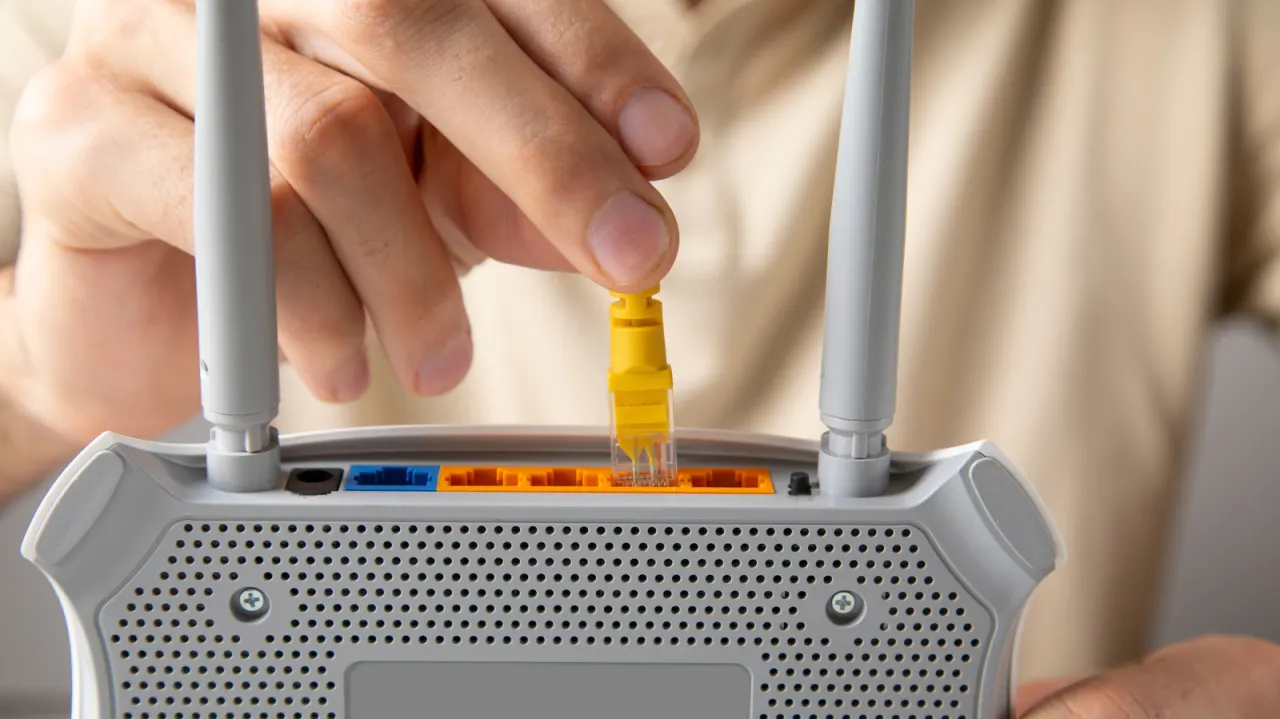
A stuck Ethernet cable can damage its connector or port if pulled forcefully, so the article recommends trying careful release methods before seeking help. The advice matters because a broken plastic tab or damaged pins could stop the port working properly.
After switching off the device, hold down the connector’s tab and gently move the plug up and down while pulling; pushing it in slightly first may also help. A flathead screwdriver or pen tip can keep the tab depressed, but avoid scraping the pins and do not use pliers, which can crush the connector. If the cable remains stuck, leave it in place and contact tech support or a repair shop.
- Turn the device off and hold down the connector tab.
- Gently move the plug while pulling; avoid pliers.
- If it stays stuck, seek professional help.
New here? Start with this
Ethernet cables provide wired internet connections to computers, printers and other devices, often preferred to wireless signals for faster, more stable connections. Most devices have small ports where the cable connector plugs in securely.
An Ethernet cable can occasionally become stuck in its port, typically due to debris or a connector that has partially jammed. Attempting to force it out risks breaking the plastic tab on the connector or bending the metal pins inside, which could permanently damage the port.
For anyone relying on a wired connection, a broken Ethernet port means losing internet access or facing expensive repair bills. Understanding how to safely handle a stuck cable is therefore a practical concern for many people who use these connections.