Why Xiaomi phones have so many ads (and how to block them)
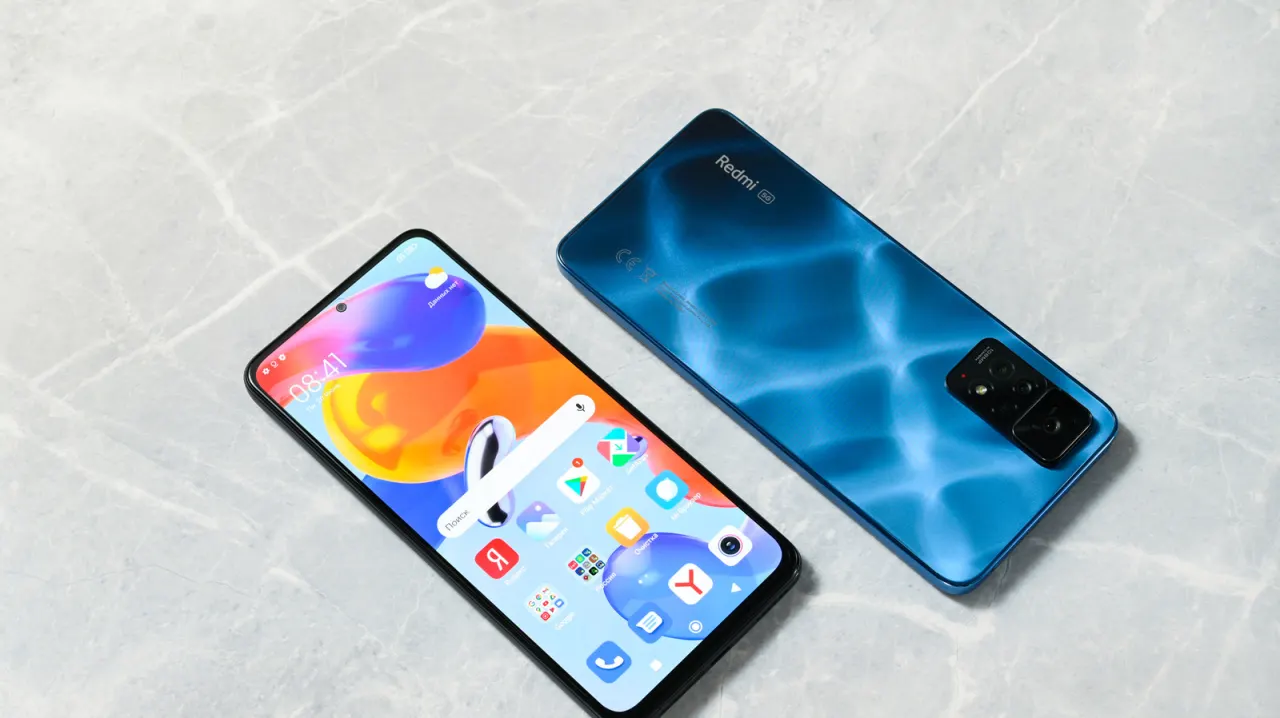
Xiaomi keeps the prices of some phones low in part by showing adverts across the software, including in apps such as Music, Downloads and File Manager. The article explains how users can reduce many of these adverts through settings, while noting that some commercial content may remain.
It recommends first revoking authorisation for MSA, Xiaomi’s system ads app, then turning off personalised ad recommendations. Users can also disable recommendations within individual apps, though the steps vary between MIUI and HyperOS. Resetting or deleting the advertising ID may further limit personalisation; blocking app notifications is another option, but also stops useful alerts.
- Xiaomi’s low prices partly come with ads across its software.
- Disabling MSA and ad personalisation reduces many adverts.
- Individual app settings can help, with steps varying by system.