Ugreen NAS HDMI enables direct media playback and local maintenance tools
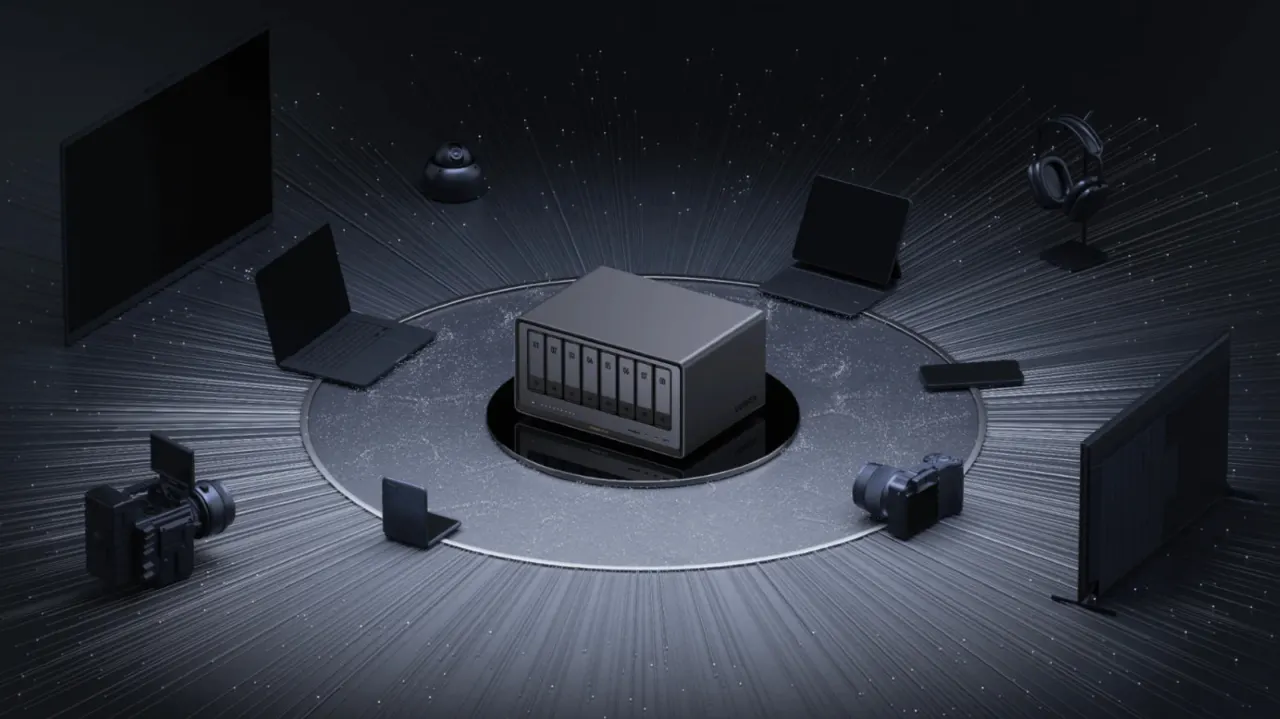
Ugreen NAS units’ HDMI ports let users play media stored on the device directly on a TV, monitor or projector, and provide local access to setup and troubleshooting tools. This offers an option when streaming to a smart TV or separate streaming device is unavailable, while the BIOS and terminal can help with advanced maintenance.
For media playback, connect the NAS to a screen, then use the Ugreen phone app to select content and control playback, as the NAS has no physical remote. With a screen and keyboard, users can also try Ctrl and F12 during startup to open the BIOS, or Ctrl Alt F1 for the terminal; the latter shortcut may vary by model. The article advises caution with advanced settings, which can cause difficult-to-fix problems.
- HDMI can play NAS media on a screen.
- The Ugreen app acts as the playback remote.
- A keyboard and screen can provide BIOS and terminal access.
Read the full article at the source →
Originally published by Engadget as “What can you use the HDMI port on your Ugreen NAS for?”.