How long is too long for a USB cable?
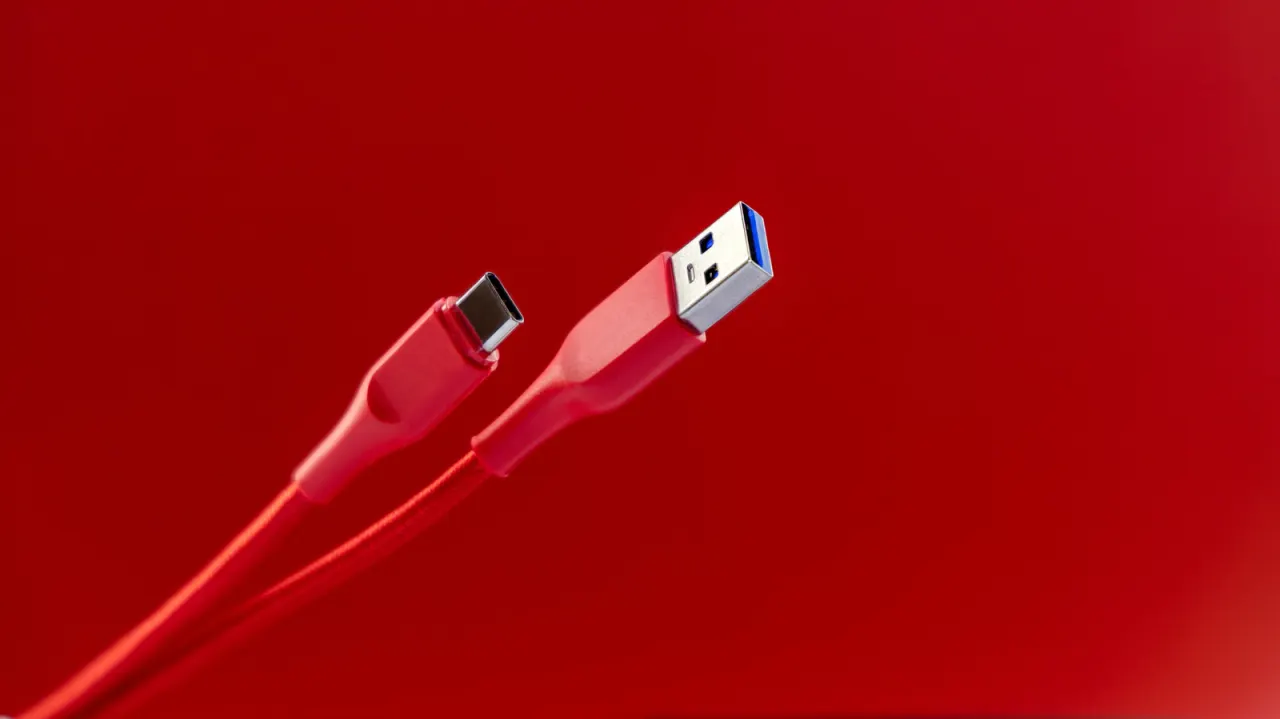
USB cable length can affect performance: beyond the recommended limits, data may transfer more slowly or devices may receive less power. The limits become shorter with newer USB generations because signals degrade as they travel through a cable.
USB-IF guidance sets maximum lengths at 16.4 feet for USB 1.0 and 2.0, 9.8 feet for USB 3.0 to 3.2, and 2.6 feet for USB 4; USB-A and USB-C share the same limits. Longer cables may still work, but active cables or extenders can help extend the signal, while a powered USB hub is another option.
In short
- USB 4 cables are recommended to be no longer than 2.6 feet.
- Longer cables can reduce data speeds or power delivery.
- Active extenders and powered hubs can help.
Explained simply
USB carries data and power between devices such as computers, phones and storage drives. The USB standard has developed through several generations, and each generation can send data at different speeds.
A cable carries electrical signals, which can weaken as they travel farther. The USB Implementers Forum, the group that sets USB standards, recommends shorter cables for newer generations to help maintain performance; the connector shape alone does not determine the recommended length.
For a longer connection, an active cable or extender can help carry the signal, while a powered USB hub can provide power to connected devices. The right option depends on the USB generation and whether the connection needs to carry data, power or both.