How to fix AirPods that won’t connect to an iPhone
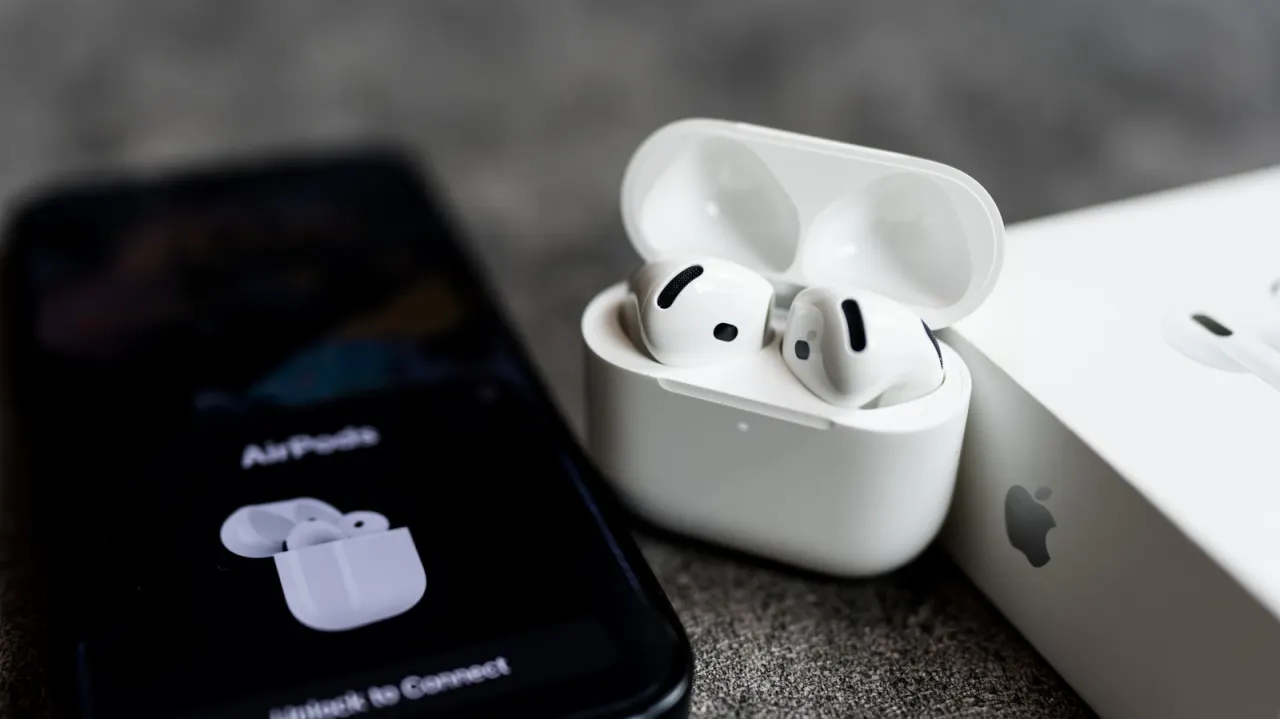
AirPods that will not connect to an iPhone may have a drained battery, charging contacts blocked by dirt, outdated software, Bluetooth turned off or an automatic switch to another Apple device. Most problems can be fixed with a few checks or by resetting and pairing the earbuds again.
The guidance recommends charging the earbuds and case, cleaning their contacts, checking Bluetooth and software updates, and selecting AirPods from the iPhone’s audio output controls. Reset steps vary by model: some cases use front taps, older models use a rear button, and AirPods Max use two controls held together. If these steps fail, Apple Support may be able to arrange a replacement, potentially covered by the one-year warranty or AppleCare+.
In short
- Check charge and clean the contacts.
- Verify Bluetooth and software are up to date.
- Reset and re-pair, or contact Apple Support.
Explained simply
AirPods are Apple’s wireless earphones, designed to connect to an iPhone over Bluetooth. They also work with other Apple devices, such as iPads and Macs, and can switch between them automatically.
A connection problem can have several causes, including low battery, dirty charging contacts, Bluetooth settings or software that needs updating. Resetting the earphones and pairing them again may help, though the steps differ between models.
If basic checks do not work, Apple Support can advise on repair or replacement. Cover may depend on whether the earphones are within the one-year warranty or protected by AppleCare+.
Read the full article at the source →
Originally published by Engadget as “Why your Apple AirPods won’t connect to your iPhone and how can you fix it”.