Technology news and discussion on TalkFuse.
Common reasons your PC’s camera and microphone aren’t working
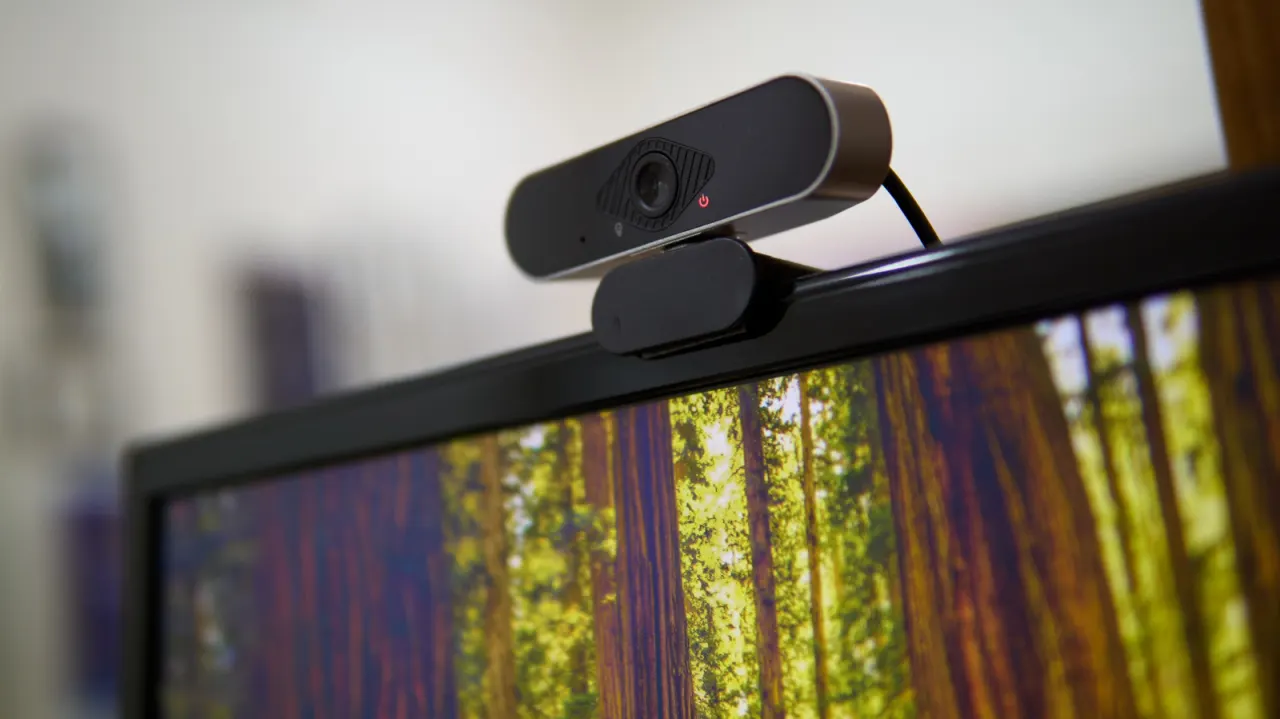
PC camera or microphone problems can disrupt work calls, interviews and other online conversations, but the cause is often a simple setting or switch. Checking the basics first can restore audio and video quickly, while testing equipment ahead of important meetings gives time to improve quality as well.
Check for physical privacy covers, mute switches, loose cables and the correct input selected in Windows or macOS; microphone volume may need to be set to 80–100 per cent. Confirm that the app has camera and microphone permission, restart it if needed, and check its own device settings. If those steps fail, update the operating system and communications app, then consider reinstalling or manually updating the device driver.
In short
- Check switches, cables and selected inputs first.
- Make sure apps have camera and microphone permission.
- Update software or reinstall drivers if needed.