Technology news and discussion on TalkFuse.
Apple Notes adds calculations, document scanning, recordings and image creation
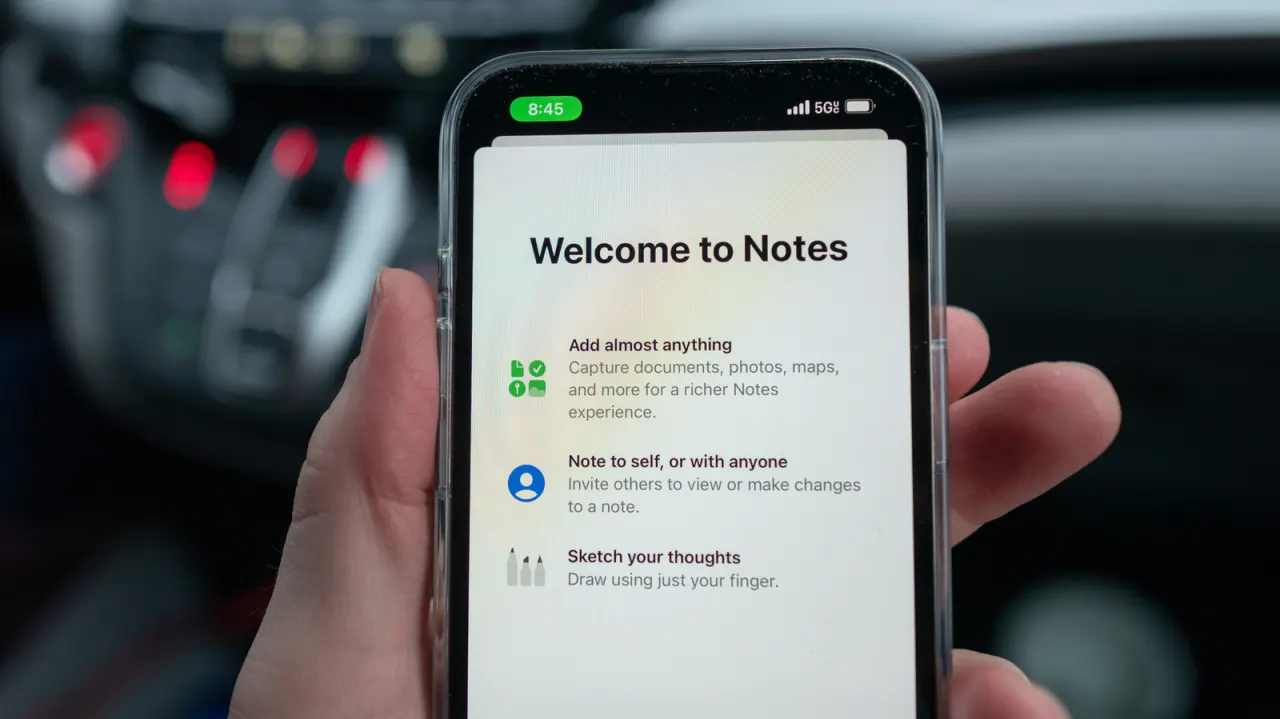
Apple Notes has developed into a tool for calculations, document scanning, audio recording and image creation, as well as writing. Its less familiar features can help with tasks such as planning a budget, signing a form or keeping meeting materials together.
Since iOS 18, Notes can solve equations as you type and plot graphs that update when values change. It can also scan multi-page documents into annotated PDFs, add signatures, and record searchable audio with transcripts; Apple Intelligence can summarise recordings and turn sketches into images on supported iPhones. The article says those AI features require an iPhone 15 Pro or Pro Max, or an iPhone 16 or later.
In short
- Notes can solve equations and plot graphs.
- It scans, signs and annotates documents.
- Recordings can be transcribed and summarised on supported iPhones.
Explained simply
Apple Notes is Apple’s built-in app for writing and organising notes on iPhone and other Apple devices. It can also bring documents, recordings and other materials together, so a note can serve as a place to keep information for a task or meeting.
Some features depend on the device and software version. Since iOS 18, Notes can solve equations as they are entered and show graphs that change with their values; it can also scan documents, add signatures and record audio with searchable transcripts. Apple Intelligence features, including summarising recordings and turning sketches into images, are available only on specified newer iPhones.
Read the full article at the source →
Originally published by Engadget as “10 things your iPhone’s Notes app can do other than taking notes”.