Technology news and discussion on TalkFuse.
5 Apple Watch settings that can help you save its battery life
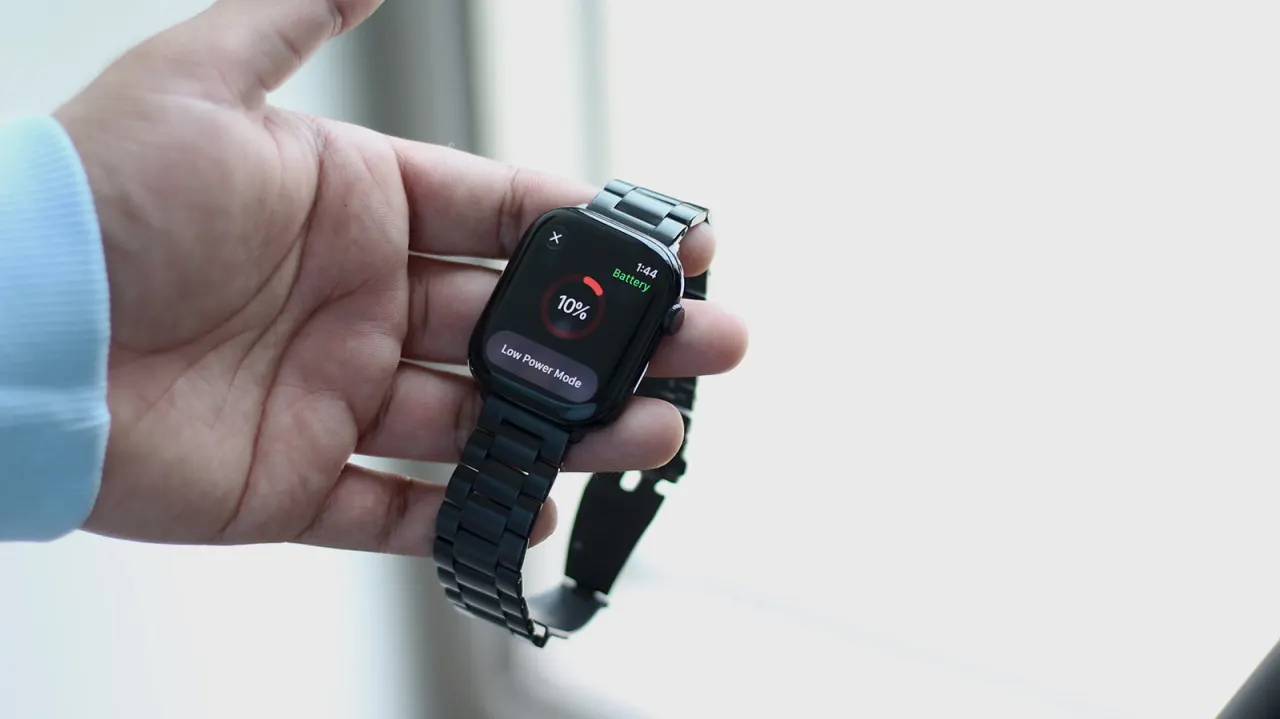
The article sets out five software changes that may extend an Apple Watch’s battery life, especially when a charger is not available. Their usefulness depends on how the watch is used, and some options reduce features such as health tracking or connectivity.
The suggestions include enabling Low Power Mode, keeping the watch near its paired iPhone, preferring Wi-Fi to cellular data where available, and using Airplane Mode when a connection is unnecessary. Low Power Mode disables the Always On display and pauses background heart-rate and blood-oxygen measurements, while calls and notifications continue if the iPhone is nearby. The article also notes that battery health can be checked in Settings and that a worn battery may need replacing.
In short
- Low Power Mode can extend battery life but limits some features.
- Staying near the paired iPhone can reduce power use.
- Check battery health if endurance has fallen significantly.
Steelman: both sides, in good faith
The strongest fair case each way — we don't pick a winner.
The case for
Changing these settings can help a watch last longer when charging is inconvenient, giving users more time for essential functions such as calls and notifications. Since the trade-offs are optional, people can choose which features to limit based on their needs, and checking battery health may help identify when a replacement is needed.
The case against
Battery-saving settings can make the watch less useful by reducing health measurements, display features or connectivity, so the extra runtime may come at a meaningful cost. Their benefit also depends on how the watch is used; users who rely on those features may prefer to keep them enabled and charge the watch or replace a worn battery instead.
Explained simply
Apple Watch is a smartwatch made by Apple. It can show the time and notifications, connect to an iPhone, and track health and activity information. How long it runs between charges depends on the model, its battery condition and which features are in use.
Some watch features use more power than others. Settings that limit the screen, wireless connections or background health measurements can help the battery last longer, but may also reduce what the watch can do. Battery health indicates how much capacity the battery retains; if it has worn down, changing settings may have limited effect.