How to add an intro to Apple CarPlay using Shortcuts
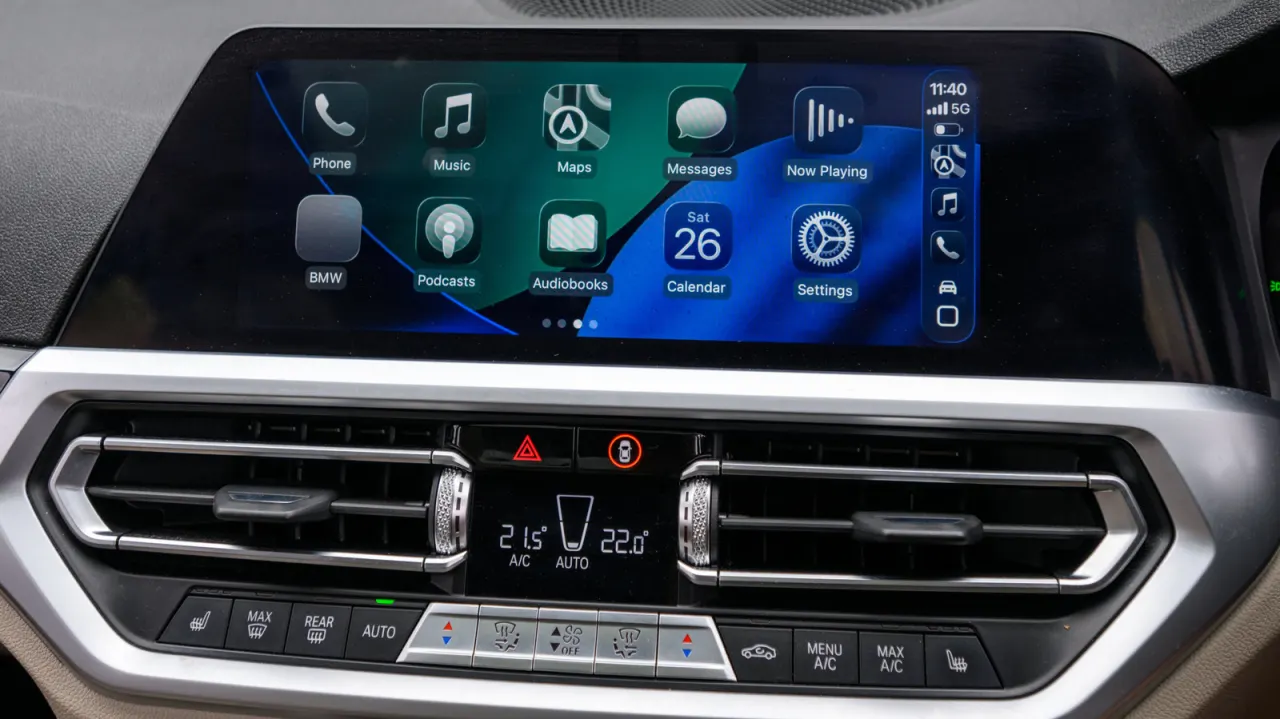
Engadget explains how iPhone users can personalise Apple CarPlay by creating a Shortcuts automation that plays a greeting or short sound whenever the phone connects to the car. The feature does not replace a vehicle’s built-in start-up sounds, but can make a commute feel more personal and can also trigger practical follow-up actions such as navigation or reminders.
Users need an iPhone, the Shortcuts app and an audio file stored locally in the Files app rather than iCloud Drive. In Shortcuts, they create a CarPlay “Is Connected” automation set to “Run Immediately”, select the saved file, and test its volume; the article recommends clips of two to five seconds to avoid disrupting navigation. The automation can later be edited, disabled without deletion, or expanded with actions including music, commute directions and disconnection routines.
- Create a CarPlay Shortcuts automation to play a custom greeting.
- Keep audio clips brief to avoid interrupting navigation.
- Automations can also launch navigation, music and reminders.
New here? Start with this
Apple CarPlay lets an iPhone connect to a car’s display and controls, giving drivers access to features such as navigation and audio. The Shortcuts app is Apple’s tool for setting up automatic actions on an iPhone when a chosen event happens.
A CarPlay connection can be used to trigger a saved sound or greeting, alongside other actions such as directions or reminders. The sound is an addition to the phone’s routine; it does not change the car’s own start-up sounds.
Automations can be adjusted or switched off, so the same tool can serve as a simple personal touch or a prompt for practical tasks. Keeping any audio brief helps it fit around navigation and other in-car audio.