How to add your driver’s license to Apple Wallet and where you can use it
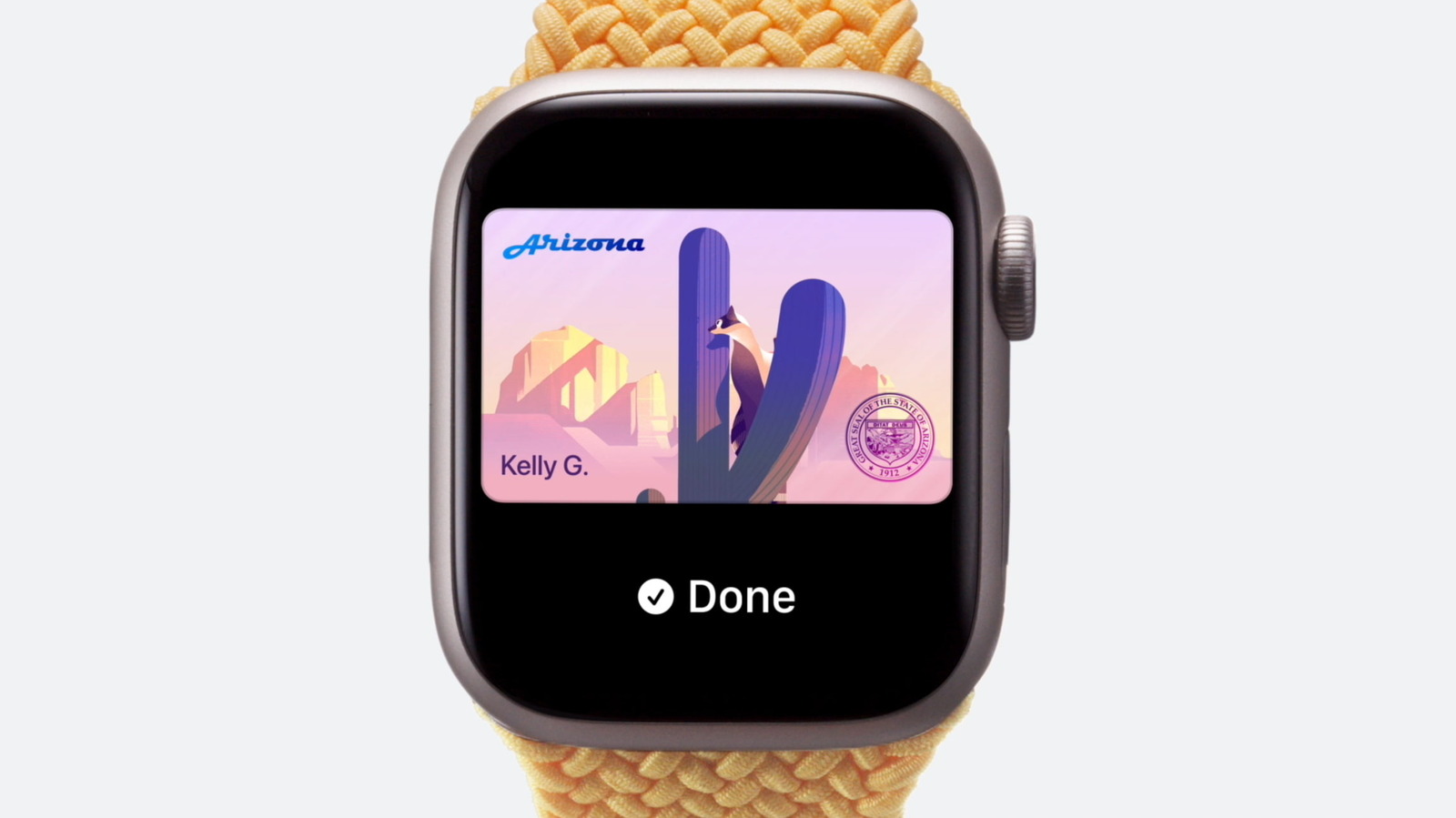
Apple allows users in participating US states (plus Japan's My Number Cards) to store a digital driver's licence in Apple Wallet on iPhone or Apple Watch, removing the need to carry a physical card for identity or age verification. The feature offers both convenience and privacy safeguards, as data is encrypted on-device and shared only after the user authenticates with Face ID, Touch ID or a passcode, with Apple stating that neither it nor the issuing authority can track when or where the ID is used. Adoption by businesses and venues remains patchy rather than widespread.
To set it up, users open the Wallet app, tap the plus icon, select "Driver's License and ID Cards," choose their state, scan both sides of their licence, and verify their identity with a selfie before authenticating via Face ID or Touch ID; approval from the relevant state issuing authority is then required before the ID becomes usable. A licence can only be active on one device at a time, though it can be transferred when switching phones. North Carolina is due to add support in early 2027, and Utah is reportedly expected to follow soon.
- Apple Wallet can store a digital driver's licence in supported US states
- Setup requires scanning your licence and a Face ID/Touch ID selfie check
- North Carolina joins in 2027; Utah may follow soon