Technology news and discussion on TalkFuse.
Guide explains how to dust a graphics card safely every few months
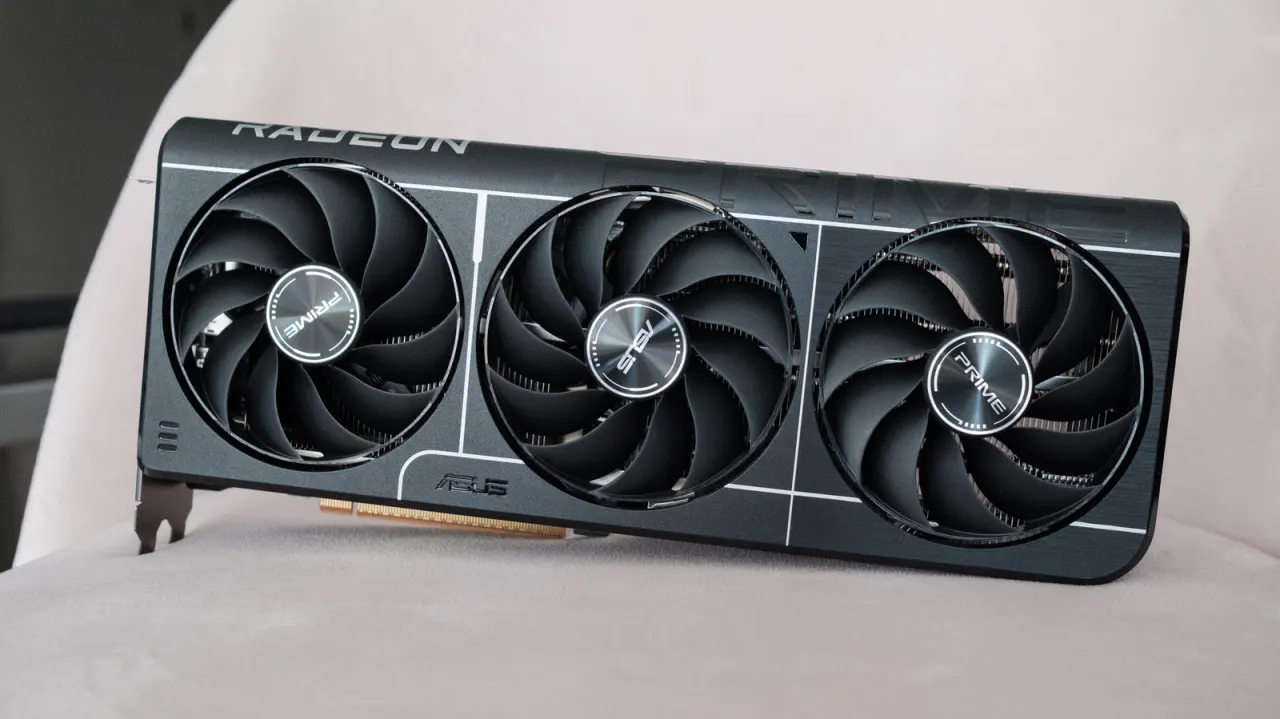
Dust can reduce a graphics card’s cooling performance, lower its clock speeds and contribute to wear over time. The guide recommends cleaning a GPU every three to six months and explains how to remove and dust it safely.
Before opening the PC, shut it down, unplug cables, switch off the power supply and hold the power button for about 30 seconds. Use an air blower or upright compressed air, and hold the fans still while cleaning to prevent damage. A microfiber cloth with 90 per cent isopropyl alcohol can be used on dusty casing; reinstall the card in the fastest PCIe slot and ensure its power cables are seated.
In short
- Dust can affect GPU cooling and performance.
- Clean the card every three to six months.
- Hold fans still while using air to remove dust.
Read the full article at the source →
Originally published by Engadget as “How to safely clean your PC’s GPU to avoid damaging it in the process”.