5 Samsung One UI features you won’t get with other Android phones
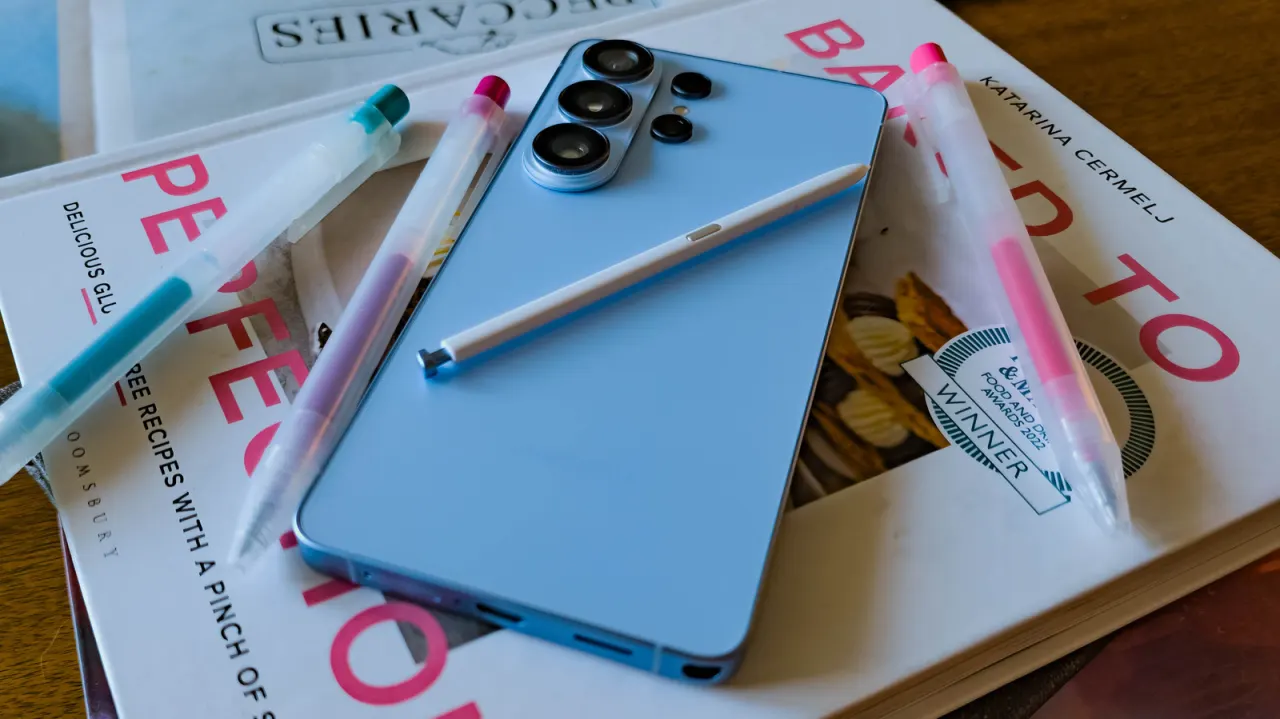
Samsung’s One UI includes features that distinguish Galaxy phones and tablets from other Android devices, particularly for working across devices and managing audio. The article explains how these tools can make everyday tasks more convenient, though availability depends on a device supporting the relevant One UI version.
Multi Control shares a mouse and keyboard between Galaxy devices and a Windows PC, and can move files between them; Samsung says it can also connect a phone and tablet without a PC acting as an intermediary. Separate App Sound routes chosen apps, such as TikTok or Instagram, to a different audio output from music playing over Bluetooth. The article also describes Good Lock’s Sound Assistant module, which can allow selected apps to play audio simultaneously. It says the features were tested on One UI 8.5 and 9 and are also available on One UI 8.
In short
- Multi Control shares inputs across Galaxy devices and Windows PCs.
- Separate App Sound routes apps to different audio outputs.
- Good Lock’s Sound Assistant can enable simultaneous app audio.
Explained simply
Android is the operating system used by phones and tablets from many manufacturers. Samsung adds its own software, called One UI, to Galaxy devices; its tools and features can vary by model and software version.
Samsung is the key player, alongside Google, which develops Android. Features that link Galaxy devices or control how apps use audio may be useful to people who work across devices or listen to several sources, but they depend on compatible hardware and software.
Good Lock is a Samsung app that offers extra customisation tools, including Sound Assistant. Knowing which features belong to Samsung’s software helps explain why two Android devices may offer different ways to handle the same everyday tasks.