Why your AirPods keep disconnecting without warning: These settings can fix it
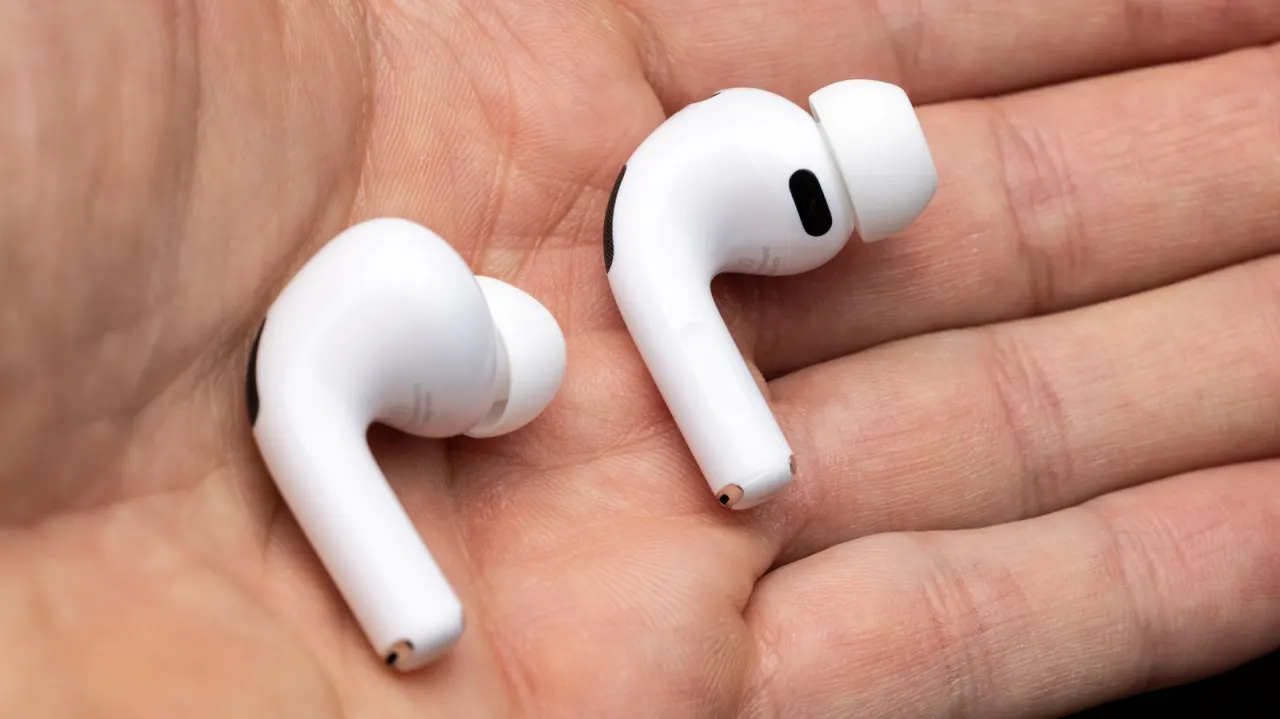
AirPods that seem to disconnect may instead be switching automatically between an iPhone, iPad and Mac. The article recommends checking connection settings across devices first, since changing them can stop unwanted switching without replacing the earbuds.
Set “Connect to this [device]” to “When Last Connected” on devices you use less often, while leaving it on Automatic for your main device. Other possible causes include faulty Automatic Ear Detection, poor fit or dirty earbuds and case, network problems affecting streams, Bluetooth or Wi-Fi interference, and Siri interrupting playback.
In short
- Automatic switching between Apple devices can mimic disconnections.
- Set secondary devices to connect only when last used.
- Fit, dirt, interference and Siri can also interrupt audio.